Peak Broadening of Secondary Response Spectra
Seismic codes, for example ASCE 4-98, allow for peak broadening and lowering of in-structure secondary response spectra (SRS). This post captures an Excel user defined function (using VBA) that can peak broaden (and lower) a given secondary response spectra.
Peak Broadening and Lowering Secondary Response Spectra
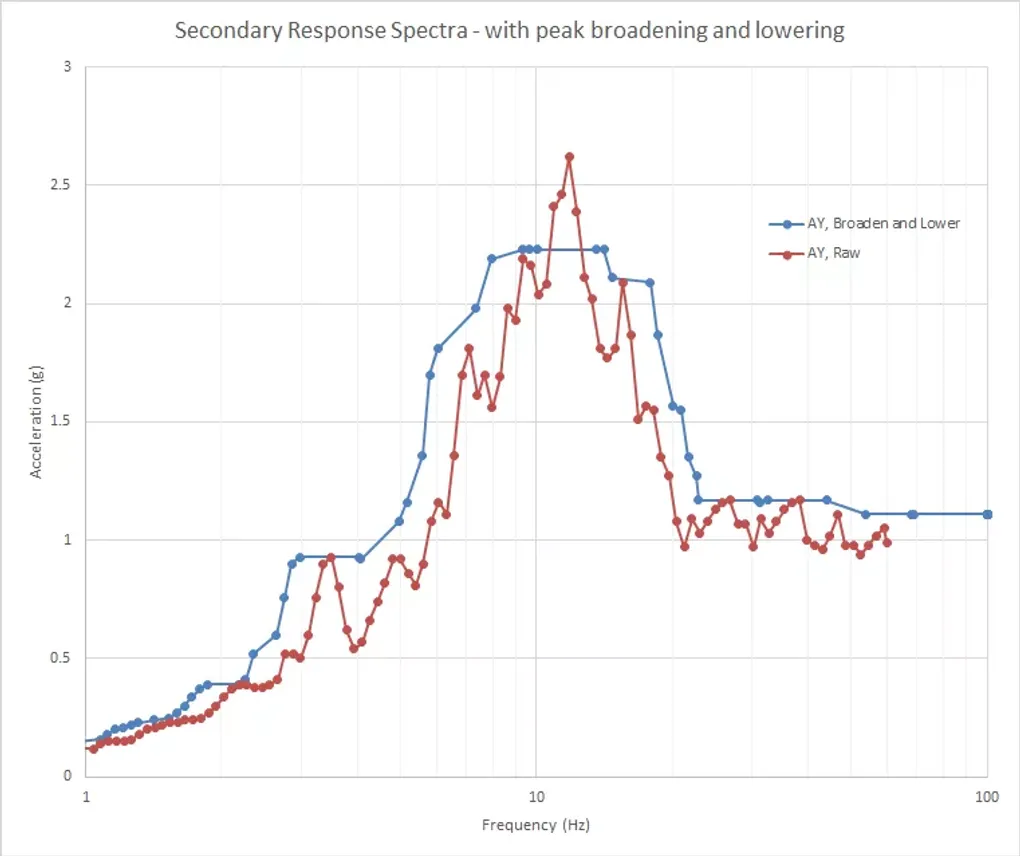
The approach taken is that given in ASCE 4-98 where the peaks may be broadened by +/- 15%, and the highest peak may be lowered by -15%. You can modify the VBA to adjust to specific requirements. The function is defined to take as inputs the frequency array and the corresponding response acceleration. It also has two parameters depending on whether you need to write out the final frequency array (argument 3=1) or if you need to write out the final (broadened and lowered) acceleration response array (argument 3=2). The 4th argument that is required is the row number, which is used for the internal sorting of the function. It’ll all become clear in the example spreadsheet. The only other simplification is that the Zero Period Amplitude (ZPA) is simply taken as the maximum acceleration for any frequency greater than 50 Hz, so that the output broadened spectrum is constant for all frequencies above 50 Hz. If this is not helpful, then you could comment out this section of the VBA code.
Excel Spreadsheet to Peak Broaden and Lower SRS
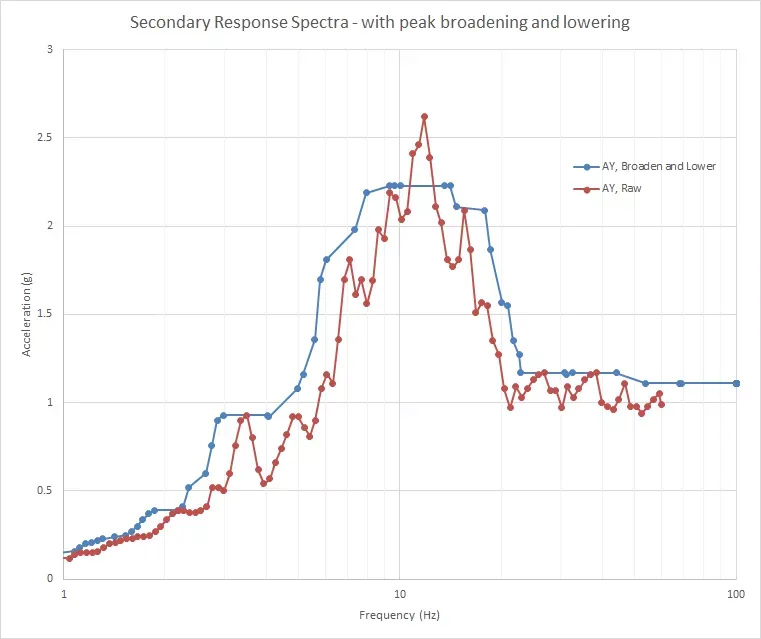
The spreadsheet with the VBA code and a worked example is attached below. A screenshot of the function in action is shown below. You can see that it is appropriately broadens the spectra, and that the peak is nicely reduced.
Excel Function to Peak Broaden and Lower Secondary Response Spectra